

Update Account Email Address
Last updated: Oct 26, 2026
64
views

How to Change Your Account Email Address
You can update the email address associated with your account by following these steps:
- Access the account settings: Navigate to the designated website section for account management
https://www.pcmtec.com/customer/info - Locate email settings: Find the email address change option in your account settings
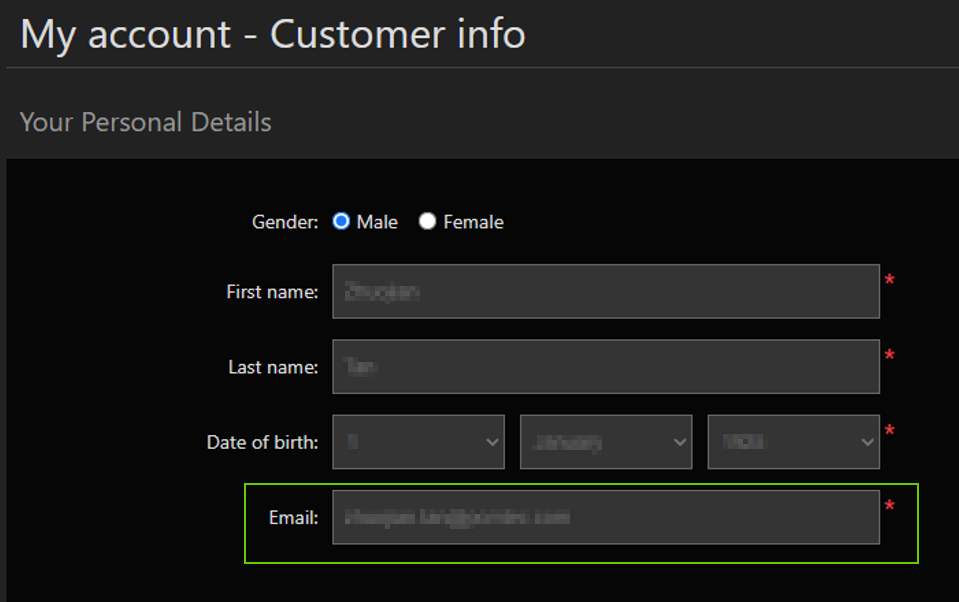
- Update your email: Enter your new email address and save the changes.
- Verify your email: Verify your new email address by clicking the link in your inbox.

